
Research, script, edit and post from one place.
Find the idea, write the script, edit by saying what you want, and post everywhere.


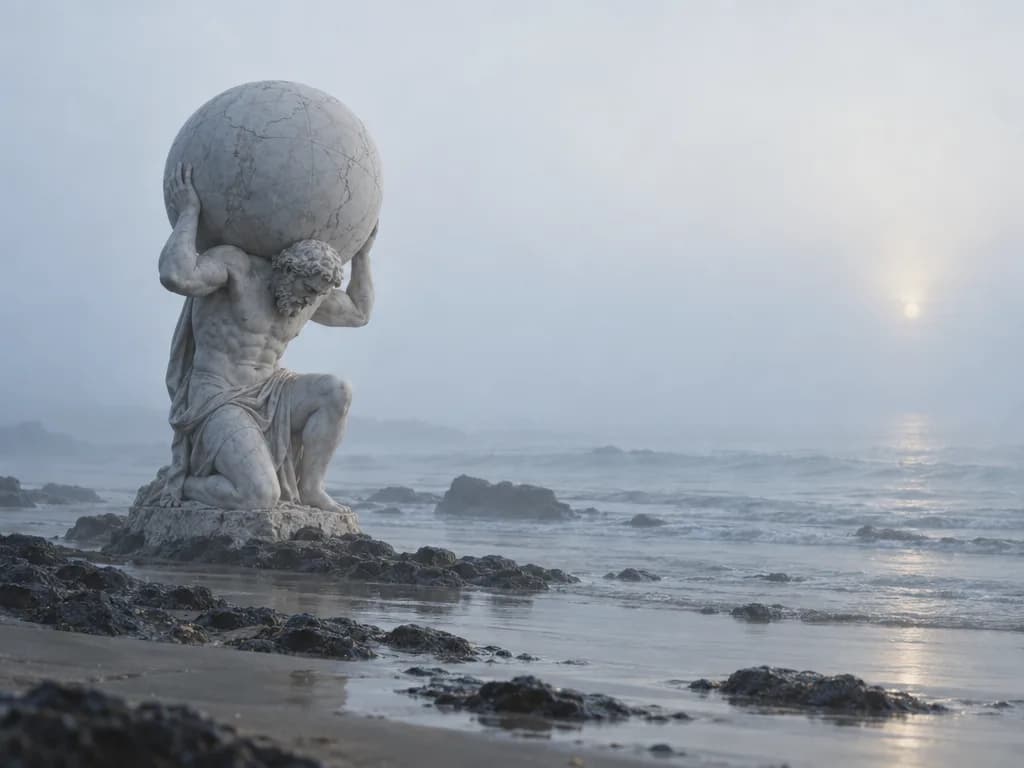

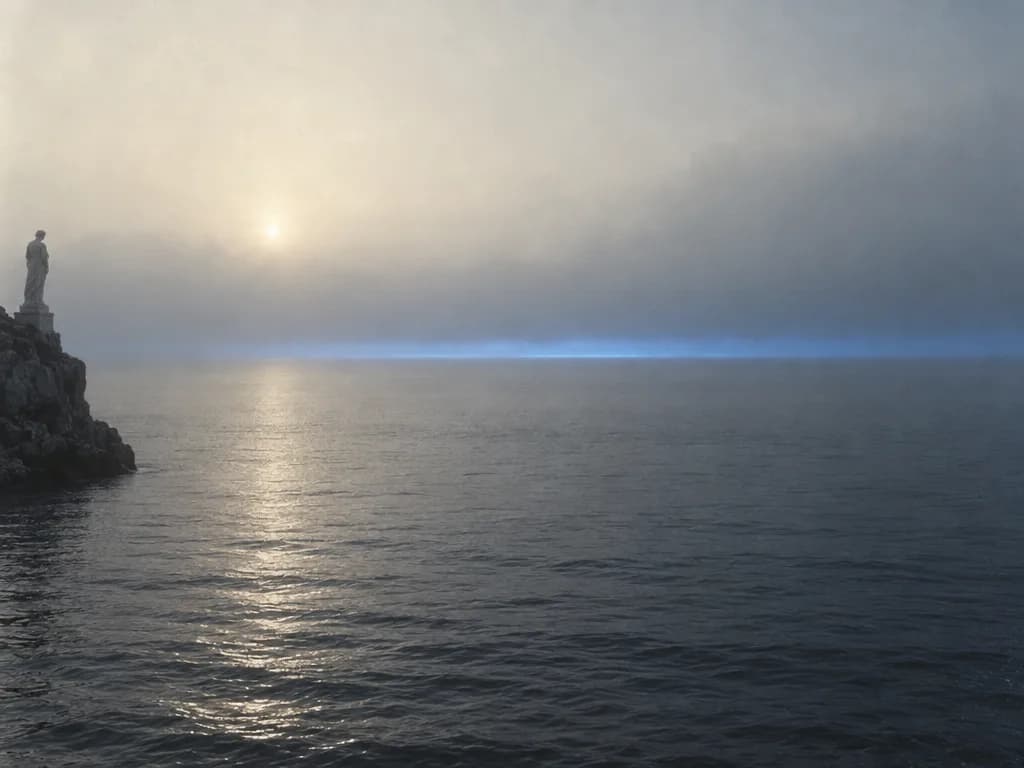
A script you can record today.
What your audience is asking, the facts checked, and a script with its sources.




A fix is a sentence, not an export.
Say the cut, the caption or the grade, and the timeline changes in front of you.
The shot you never got, made.
B-roll, voiceover, music and thumbnails generated where you edit, priced before they run.
- B-roll
- Voiceover
- Thumbnails

Posted everywhere, replies in one place.
YouTube, TikTok, Instagram and more from one calendar, and every comment in one inbox.
- YouTube and TikTok
- One inbox




What you ship every week.
Long-form video 
Thumbnail 
Podcast cut 
Captions 
Original score 
Launch post
What creators ask first.
Is the result good enough to post?
You decide. Every cut, caption and grade sits on the timeline, and nothing publishes until you schedule it.
What does generation cost?
It spends credits, and each run shows its price on an approval card before it starts.
Can I still edit by hand?
Yes. Keyframes, transitions, speed ramps and takes are all on the timeline.
Where does the posting happen?
In Scale, inside Spaces, with one calendar and one inbox for every channel.
Is it Mac only?
Yes, for now. Nucleus and Spaces are built for Apple silicon Macs, and there are no Windows or Linux builds yet.
Shoot it. Say the edit.
Open Nucleus, switch to Studio mode, drop in the footage.